Restaurant back office software: Your restaurant, in your browser.
Menu, team, tables, reports and guests in Ona Manager. And an AI assistant that works like a second manager.
What’s included
What you run from Ona Manager.
Menu
Options, photos and VAT rates. The 14 allergens, dietary tags, spice levels and badges. Set menus, sold-out dishes and availability by channel. One-tap translation and a printer for each dish.
Guests see the allergens you enter.
Team
A PIN for each person, clock-in on the restaurant’s device with an optional selfie, a weekly schedule with a notification when you publish it, and timesheets.
See schedulingTables and QR
Draw your floor plan and create QR codes for every table and the counter.
See QR orderingReports
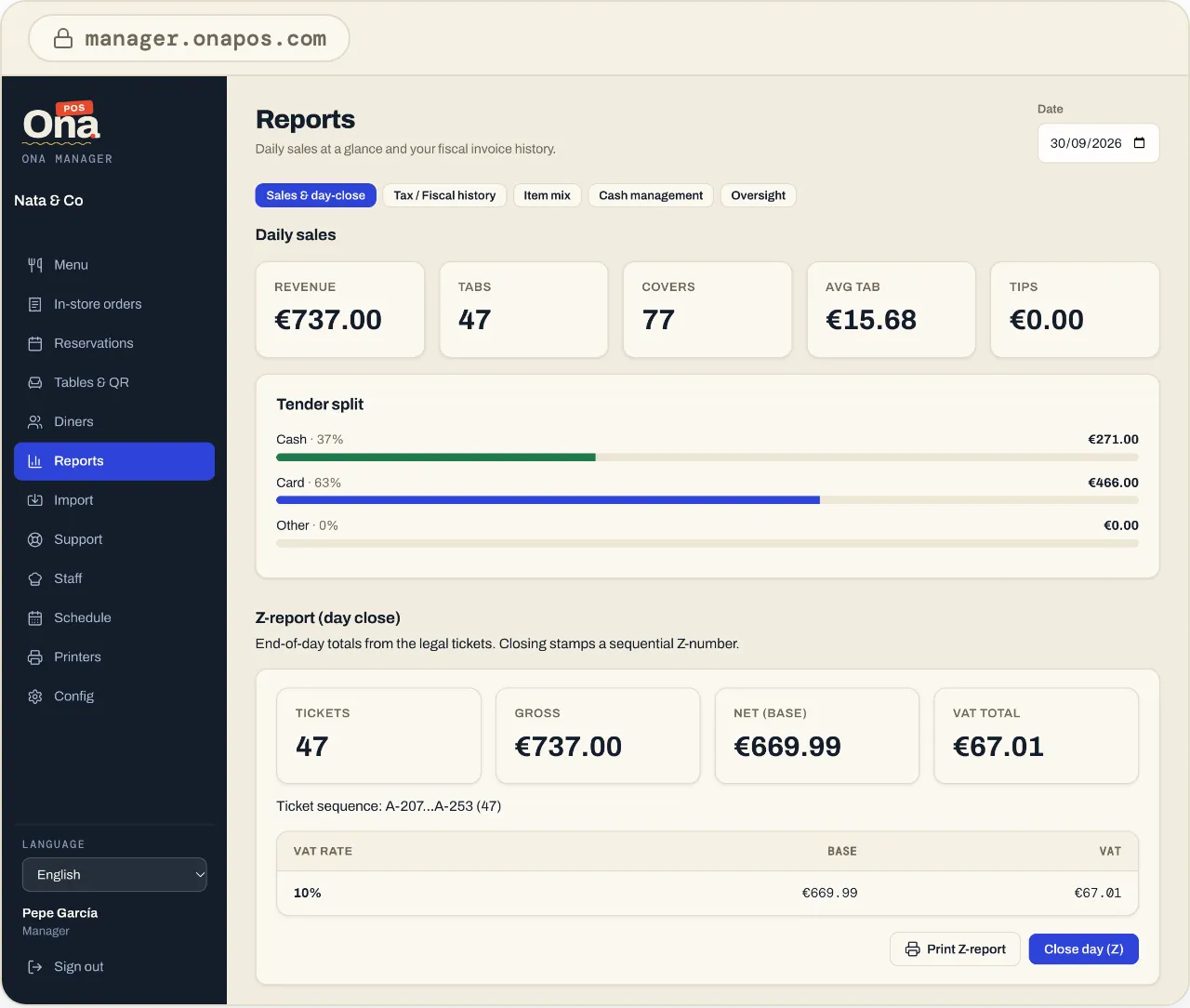
Sales, covers, average tab and payment methods. Fiscal history with CSV export, invoices, X and Z reports and cash drawer control.
Guests
Visits, spend, no-shows and notes for your regulars. Phone numbers stay masked.
Several locations
Several restaurants in one account, each with its own menu, team and reports.
AI assistant
Included in the priceA second manager, built in.
The AI assistant lives inside Ona Manager. It reports on your sales, menu or team, and makes changes for you once you confirm.
See the AI assistant- Which dish sold most this month?
- What was the average tab at Friday dinner?
- Raise the café con leche to €2.10.
FAQ
About Ona Manager.
Do I need to install anything?
No. Ona Manager works in any browser.
Can I run several locations?
Yes, from the same account. The fee is per location.
How does menu translation work?
One tap translates it into OnaPOS’s 8 languages.
What do guests see about allergens?
The ones you enter for each dish. If a dish has no allergens entered, they’re asked to check with your staff.
Ready to start?
Create your account and set it up at your own pace, or talk to us and we’ll set it up with you.
One price, every feature · No minimum term · AI assistant included